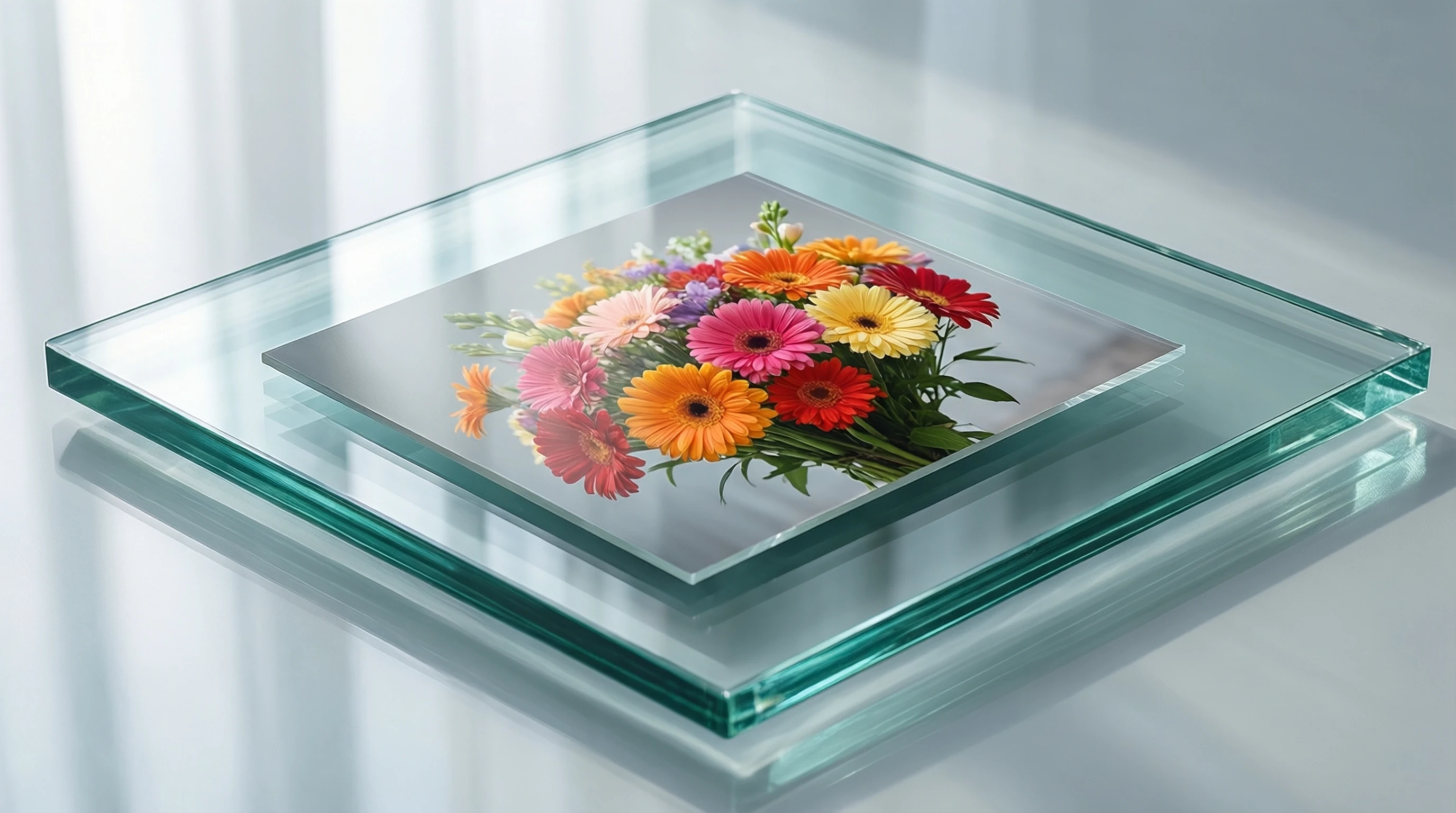
Clear Background from Image: Instant Free Online Tool
Clear Background from Image: Instant Free Online Tool
Looking to clear background from a photo? Whether you need a clean product shot, a transparent logo, or a polished profile picture, clearing the background is one of the fastest ways to make any image look professional.
This guide shows you how to clear background from images instantly using free AI tools, with tips for getting the cleanest results every time.
What Does "Clear Background" Mean?
When people say they want to clear background from an image, they mean one of two things:
-
Remove the background entirely, leaving a transparent cutout of the subject. This is the most common interpretation and the most useful for design work.
-
Replace the background with a clean, solid color (usually white) to create a professional, uncluttered look.
Both results start with the same process: AI-powered background detection and removal. The difference is just whether you export with transparency or add a new background color.
How to Clear Background Online in 3 Steps
Step 1: Upload Your Image
Go to Remove-Backgrounds.net and upload your photo. Drag and drop or click to browse. The tool accepts JPG, PNG, and WebP files.
Step 2: AI Clears the Background Automatically
The AI analyzes your image, identifies the subject, and clears away everything else. This takes 2 to 5 seconds. You will see a real-time preview of the result.
Step 3: Download Your Clean Image
Download the result as a transparent PNG. The background is completely cleared, and your subject is perfectly preserved with sharp, natural edges.
When You Need to Clear a Background
Product Photography
Online marketplaces demand clean, distraction-free product images. Clearing the background from your product photos gives you consistent, professional listings that meet Amazon, Etsy, and Shopify requirements without an expensive photography studio.
Profile and Headshot Photos
A cluttered background behind your face looks unprofessional on LinkedIn, company websites, and ID photos. Clear the background and replace it with a neutral tone for an instant upgrade.
Presentations and Documents
Adding images to presentations, reports, or documents looks much better when the background is cleared. A transparent cutout blends naturally with any slide design or document layout, unlike a rectangular photo that clashes with the page background.
Stickers and Merchandise
Creating custom stickers, t-shirt prints, or phone case designs requires transparent images. Clearing the background is the essential first step in any print-on-demand or merchandise workflow.
Digital Marketing
Marketers clear backgrounds constantly to create ad creatives, email headers, social media graphics, and website banners. A clean cutout on a branded background performs better than an unedited photo in almost every marketing context.
Tips for the Cleanest Background Clearing Results
Use High-Resolution Images
The more pixels the AI has to work with, the more precise the edge detection. A 3000x4000 photo from a modern smartphone produces significantly cleaner results than a 640x480 thumbnail.
Ensure Good Contrast
If your subject blends into the background (like a white cat on a white couch), the AI has less information to distinguish the boundary. For the cleanest results, photograph subjects against contrasting backgrounds.
Steady Focus
Blurry edges from camera shake or poor focus make it harder for the AI to determine exactly where the subject ends and the background begins. Keep your camera steady and ensure the subject is in sharp focus.
Clean the Subject
For product photography, dust, fingerprints, and smudges become more visible when the background is cleared because there is nothing to distract the eye. Clean your subject before photographing it.
Clear Background vs Remove Background vs Erase Background
These three phrases all describe the same fundamental process. People use different terms based on their mental model:
- Clear background: Implies wiping the background clean, leaving a pristine result.
- Remove background: The most technical term, emphasizing the deletion of background pixels.
- Erase background: Suggests using an eraser tool to eliminate unwanted areas.
All three lead to the same outcome: an image where the subject is isolated from its surroundings. The AI technology behind all three is identical.
What File Format Should You Use After Clearing the Background?
| Format | Transparency | Best For |
|---|---|---|
| PNG | Yes | Web graphics, design work, overlays, e-commerce |
| WebP | Yes | Modern web use (smaller file size than PNG) |
| JPG | No | When you do not need transparency (e.g., white background final images) |
PNG is the recommended format after clearing a background because it preserves transparency and uses lossless compression. If you need to place your cutout on a specific background later, the transparent PNG gives you complete flexibility.
Frequently Asked Questions
Can I clear the background from any type of image?
Yes. AI background clearing works on photos of people, animals, products, vehicles, food, buildings, plants, and virtually any identifiable subject. The AI is trained on millions of diverse images and handles most subjects accurately.
Does clearing the background affect the subject quality?
No. The subject pixels remain completely untouched during background clearing. Only the background pixels are removed. Your subject retains its original resolution, color accuracy, and detail.
Can I clear backgrounds on my phone?
Absolutely. Remove-Backgrounds.net works in any mobile browser. Upload a photo from your camera roll, and the background is cleared in seconds. No app download required.
Is the tool really free?
Yes. You can clear backgrounds without creating an account, and the results have no watermarks. The tool is free to use for personal and commercial projects.
What if the AI clears part of my subject by mistake?
In rare cases with very complex images, the AI might clip a small portion of the subject or leave a tiny background remnant. This typically happens with subjects that blend into their background. Using a higher-quality source image or one with better contrast usually resolves this.
Clear Your Background Now — Free and Instant
Ready to clear background from your images? Visit Remove-Backgrounds.net and get a clean, professional cutout in seconds. No signup, no watermark, no software to install.
Upload your image, let the AI do the work, and download your result. It is the fastest way to clear background from any photo.